Add your videos to Word: thumbnail, QR code, built-in playback. Free and privacy-friendly.
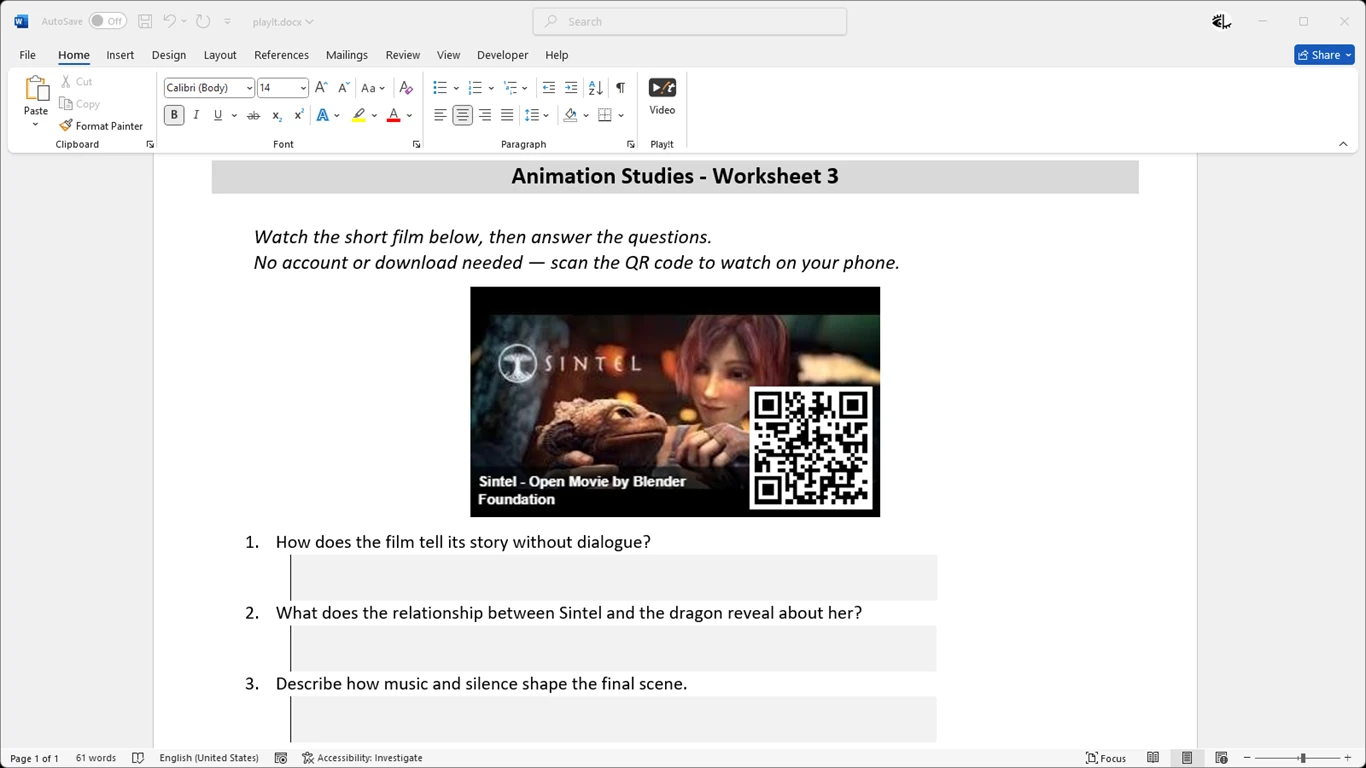
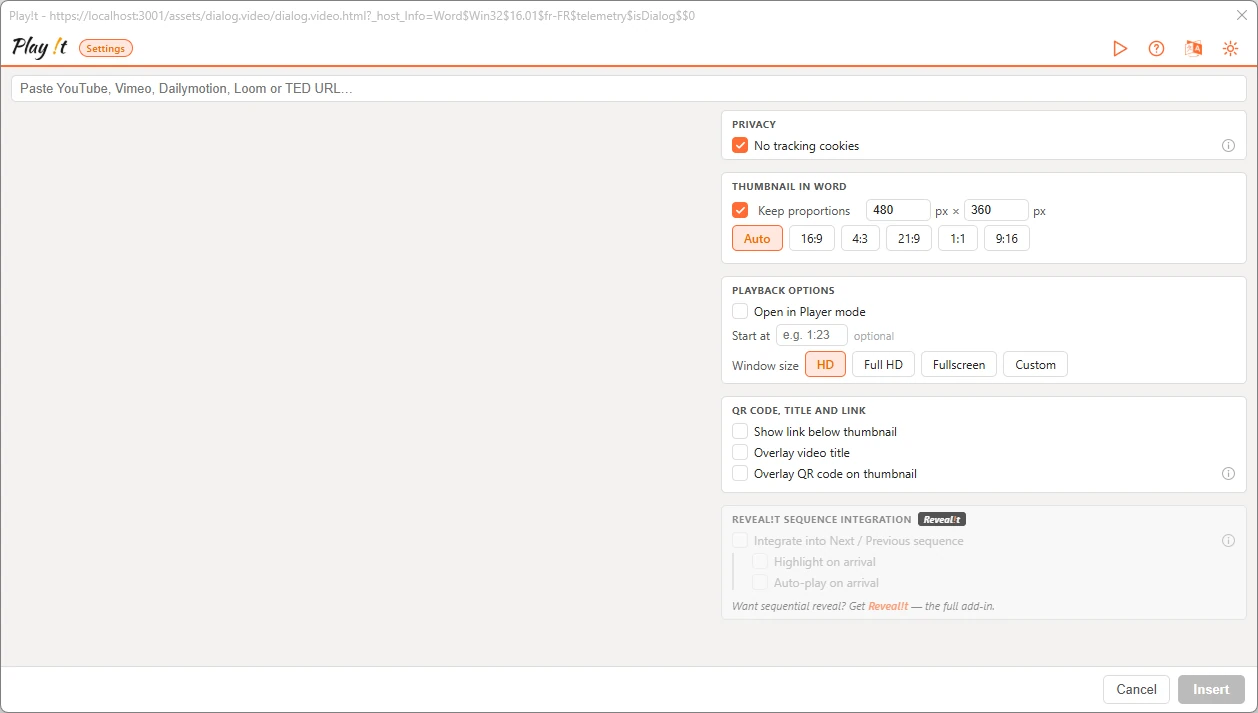
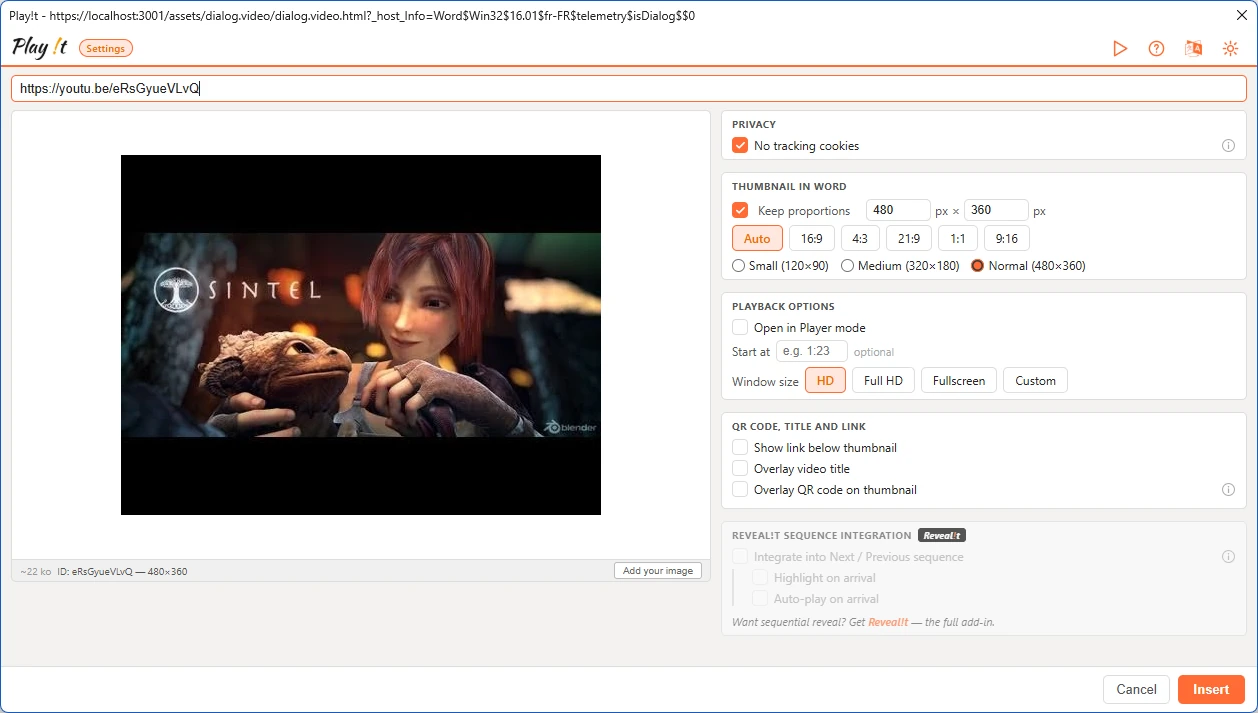
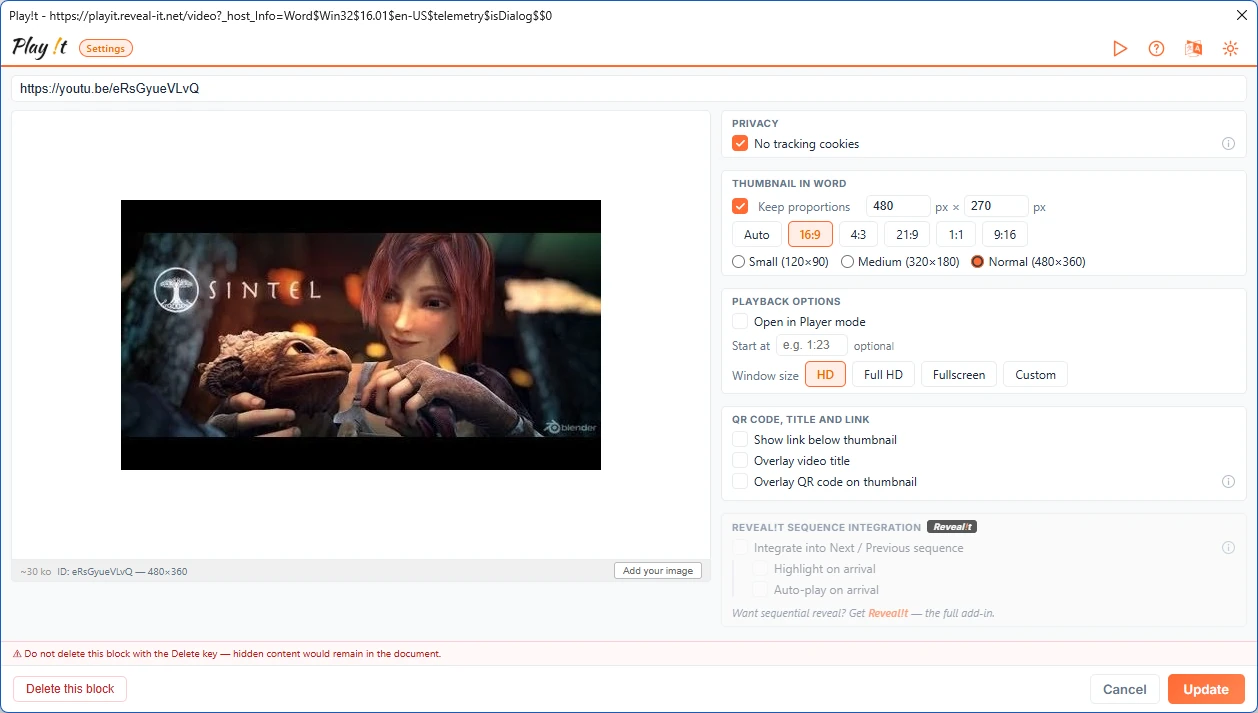
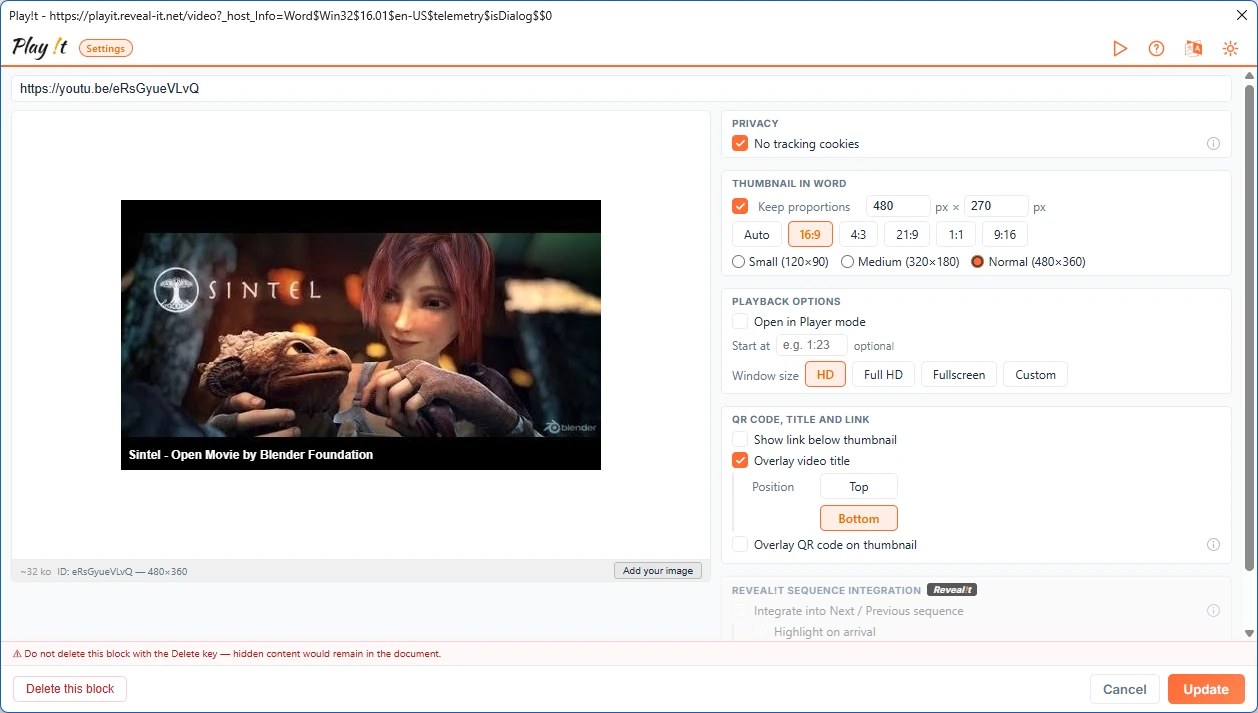
Paste a video link: the thumbnail is retrieved automatically.
Choose the size of the thumbnail in your document.
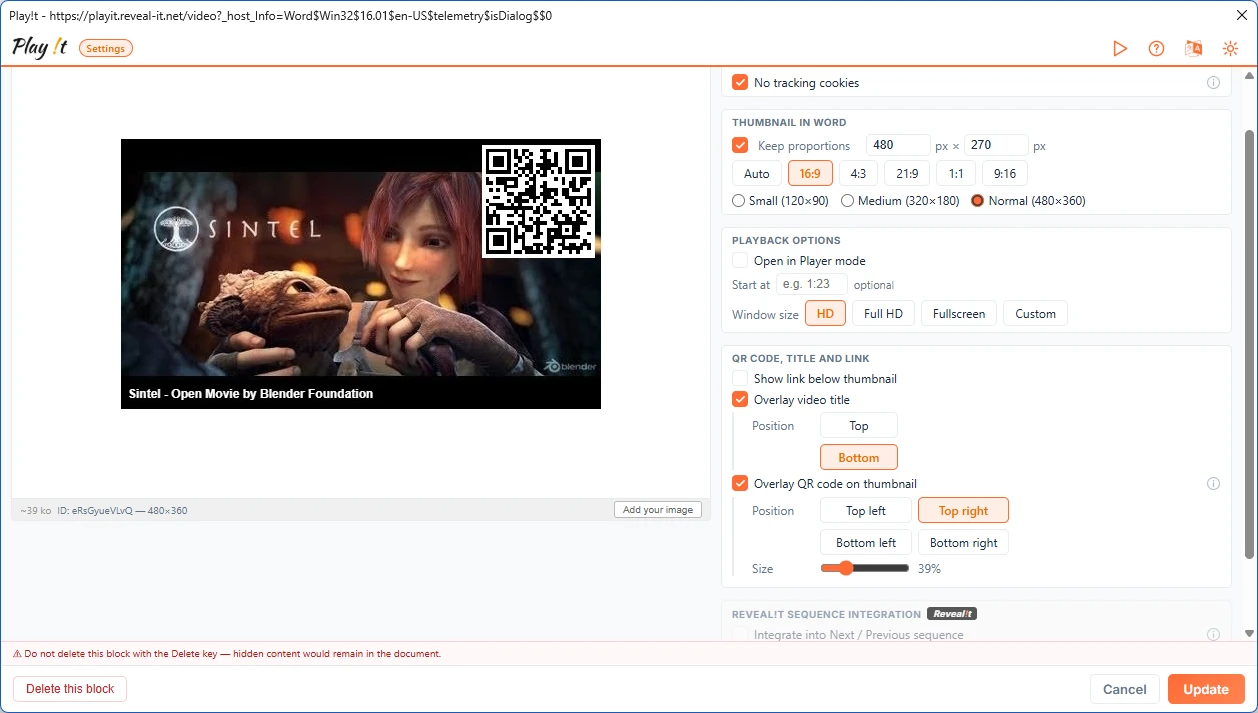
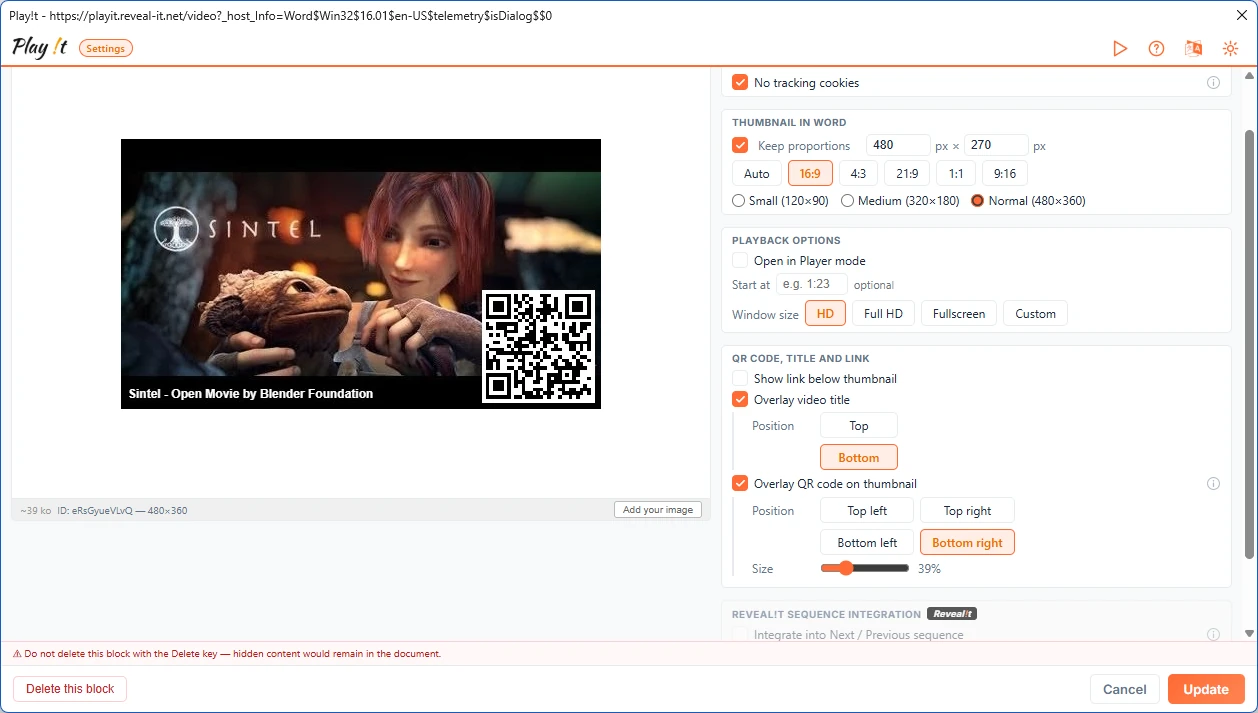
Show the video title and a QR code on the thumbnail, wherever you like.
Insert: the thumbnail lands in your Word document.
Students scan the QR code and watch on their phone, with no account and no download.
Sintel — © Blender Foundation | durian.blender.org — CC BY 3.0
Six key features to enrich your lessons with video, directly inside Microsoft Word.
Insert videos from YouTube, Vimeo, Dailymotion, Loom, and TED. Simply provide the URL and Play!t handles everything.
The add-in automatically downloads the thumbnail and official title. You can also drag and drop your own replacement image.
Essential for paper printing. Adjust the size and place the QR code in one of the 4 corners of the thumbnail with a single click.
Playback with or without autoplay, resume at a precise timestamp, and adjustable window size. Ideal for staying in your document during your classroom presentation.
Cookie-free mode (YouTube-nocookie) enabled by default. No account creation, no data stored outside your DOCX file.
Thumbnail, QR code and link stay visible in every Word, even without the add-in, and with no risk of accidental editing.
Discover how to insert videos and generate QR codes in Microsoft Word in under a minute.
Add the video block to your Reveal!t lesson sequence.
As you move through your Reveal!t fields, the video block is highlighted when you reach it.
Once the video block is highlighted, enable the automatic playback option.
Although fully standalone, Play!t unleashes its full potential when used in tandem with Reveal!t (the flagship text-masking add-in).
Install the Play!t add-in in a few clicks from Microsoft's AppSource and start enriching your teaching documents.