A true image editor inside Word: crop, annotate, add text, shapes and stickers, without ever leaving your document.
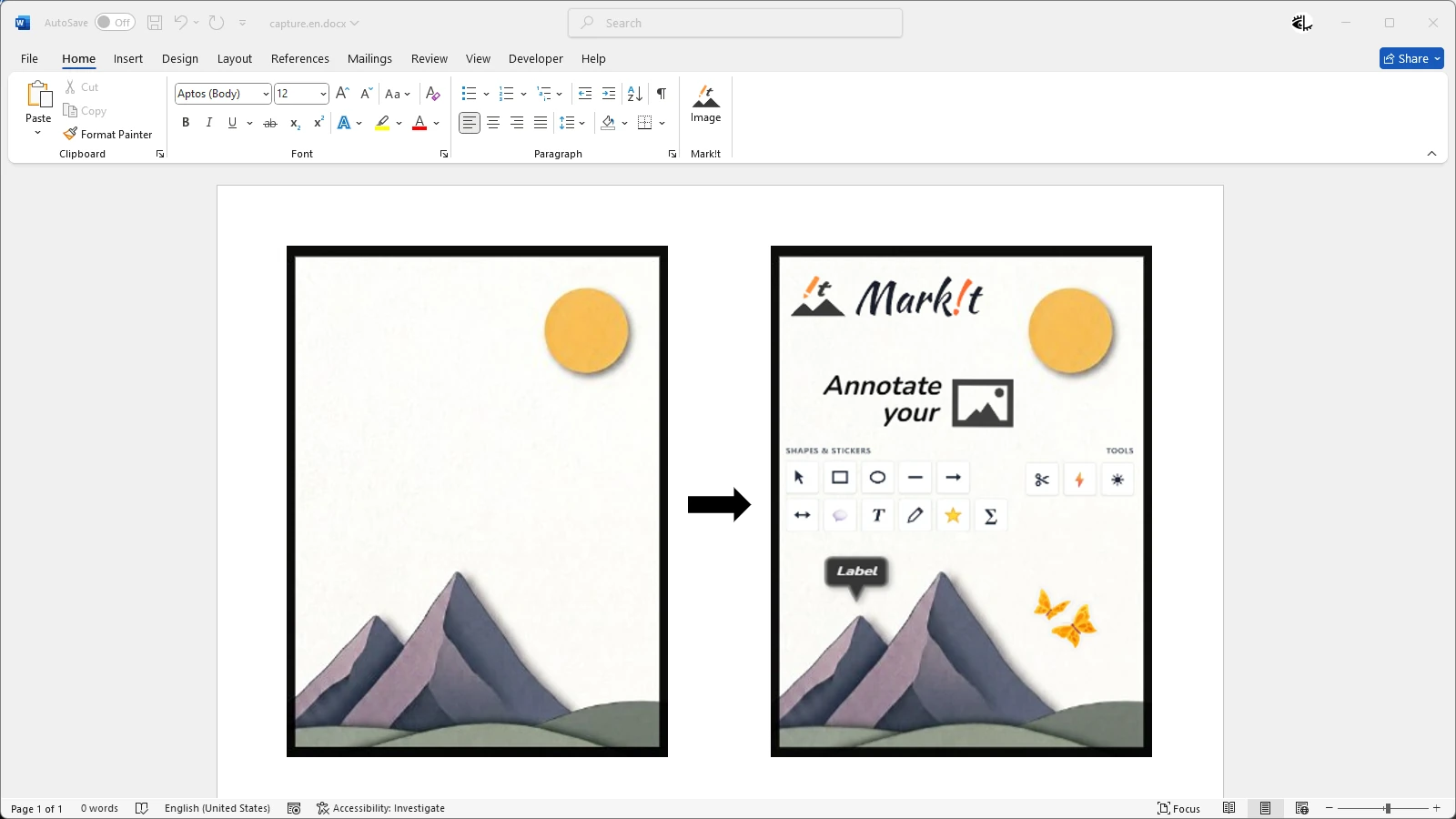

A Word document with an image, and the Mark!t button in the ribbon.
One click on the Mark!t button in the ribbon opens the editor.
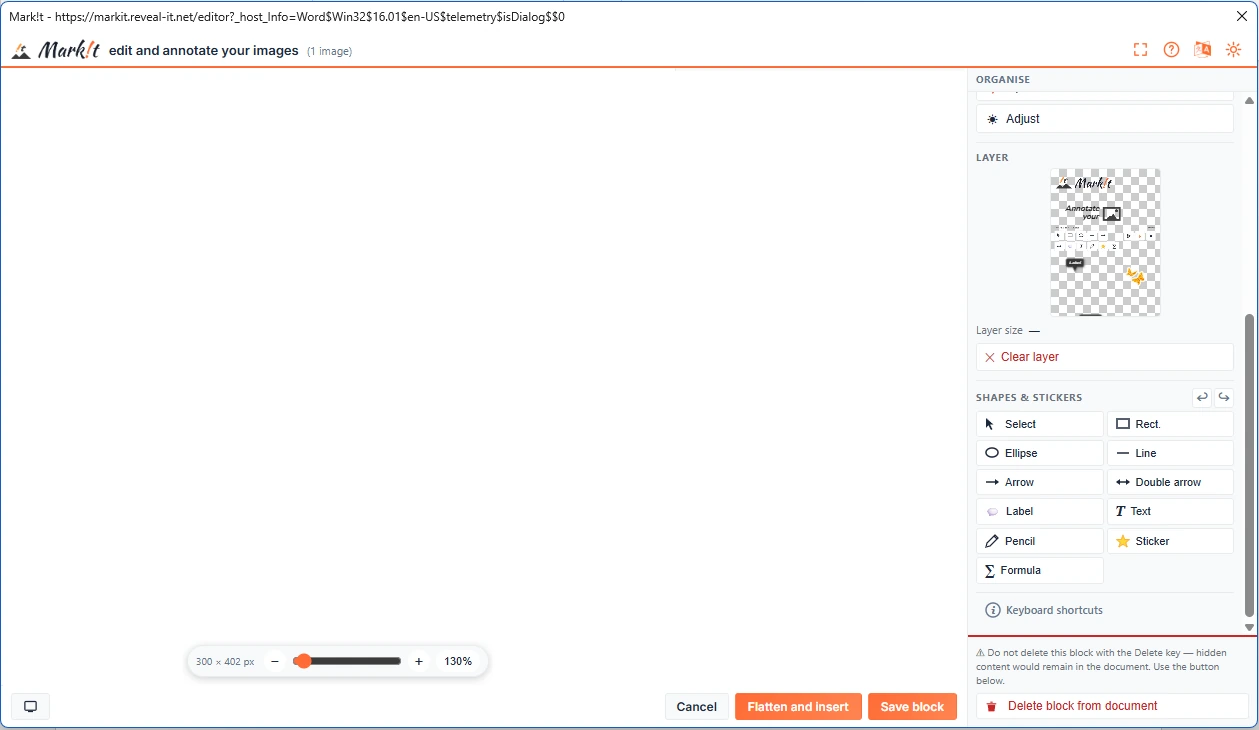
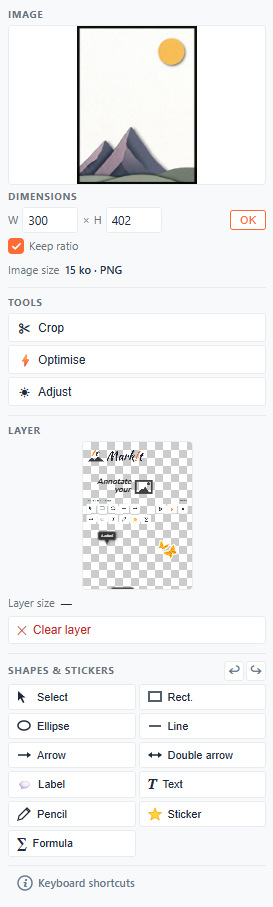
The right-hand menu brings everything together: dimensions, tools, layer, shapes and stickers.
Before: the original image. After: the same image, annotated. The layer fills up at the same time.
“Save block”: the annotated image lands on the original one, the rest fades out, then it slides aside for the before/after.
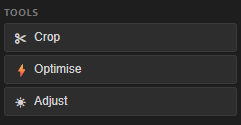
Seven tools designed to retouch and enrich your teaching illustrations without leaving your document.
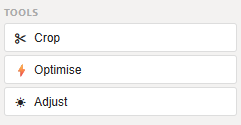
Crop your images precisely to the ratio of your choice to keep only what matters.
Adjust brightness, contrast and saturation to give your images the exact look you want.
Compress your images to keep your documents light without sacrificing on-screen quality.
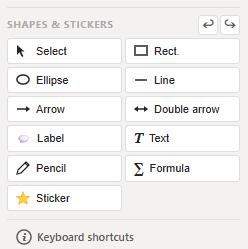
Each annotation lives on its own layer: reorder, hide or delete without ever altering the original image.
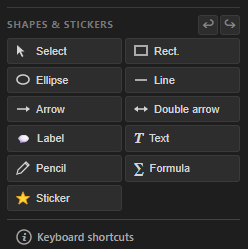
Add arrows, text, shapes and freehand lines to highlight what matters in your images.
Insert math formulas rendered in LaTeX directly onto your image, and re-edit them at will.
Import your own images to use as reusable stickers on your illustrations.
Be among the first to annotate your images directly inside Word. Leave us your email and we'll notify you at launch.